
Tracking expenses is the core of Homoney. Here is how to add expenses, read the dashboard, and use category breakdowns to understand where your money goes each month.
Adding an expense
From the Dashboard, click the "Add expense" button. Fill in:
- Amount: What you spent.
- Category: Pick from your list (Groceries, Transport, Leisure, etc.).
- Description: A short note (optional but helpful later). Something like "Weekly groceries" or "Plumber visit."
- Date: Defaults to today. Change it if you are entering a past expense.
- Type: Fixed or variable. Fixed expenses recur predictably (rent, insurance). Variable expenses fluctuate (groceries, dining out).
- Member: Who made the purchase. Relevant for couples tracking shared expenses.
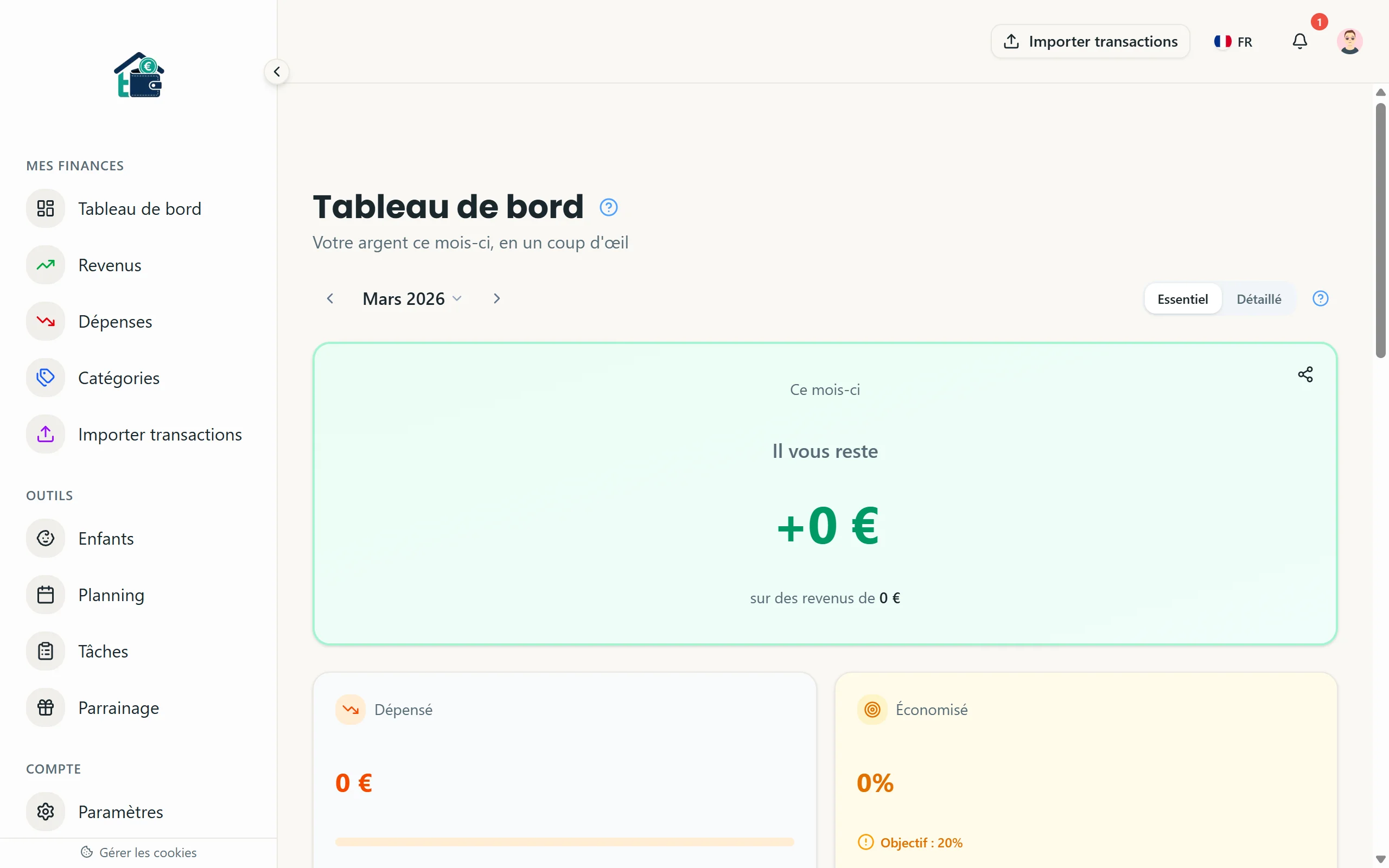 Adding a new expense
Hit save. The expense shows up immediately on your dashboard.
Recurring expenses
For bills that repeat every month (rent, subscriptions, loan payments), toggle the "Recurring" option when adding the expense. Homoney will automatically create the transaction each month so you do not have to re-enter it.
Reading the Dashboard
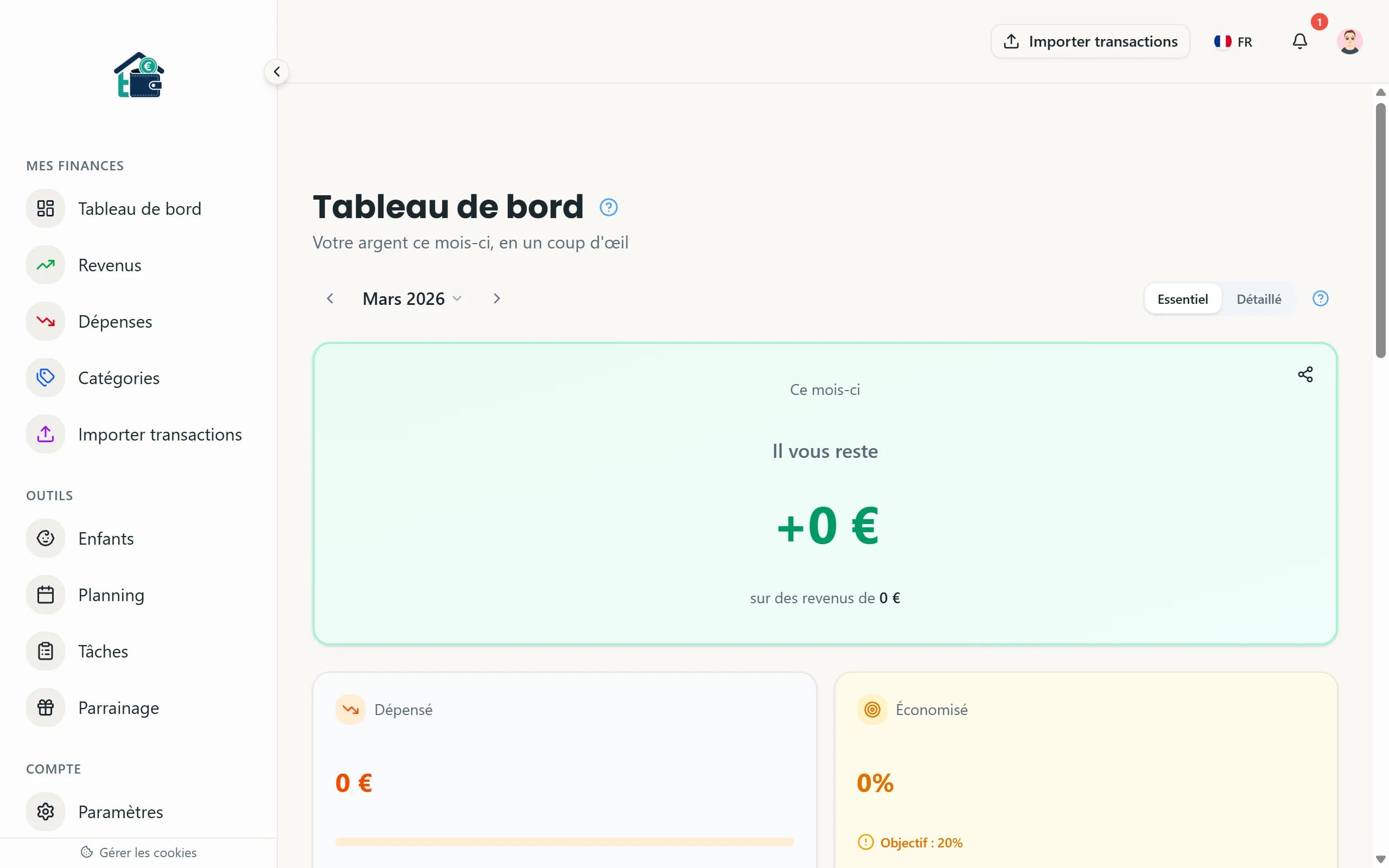
The main dashboard gives you the big picture for the current month:
- Total income at the top.
- Total expenses broken down into fixed and variable.
- Balance: Income minus expenses. Green means you are in the positive. Red means you are overspending.
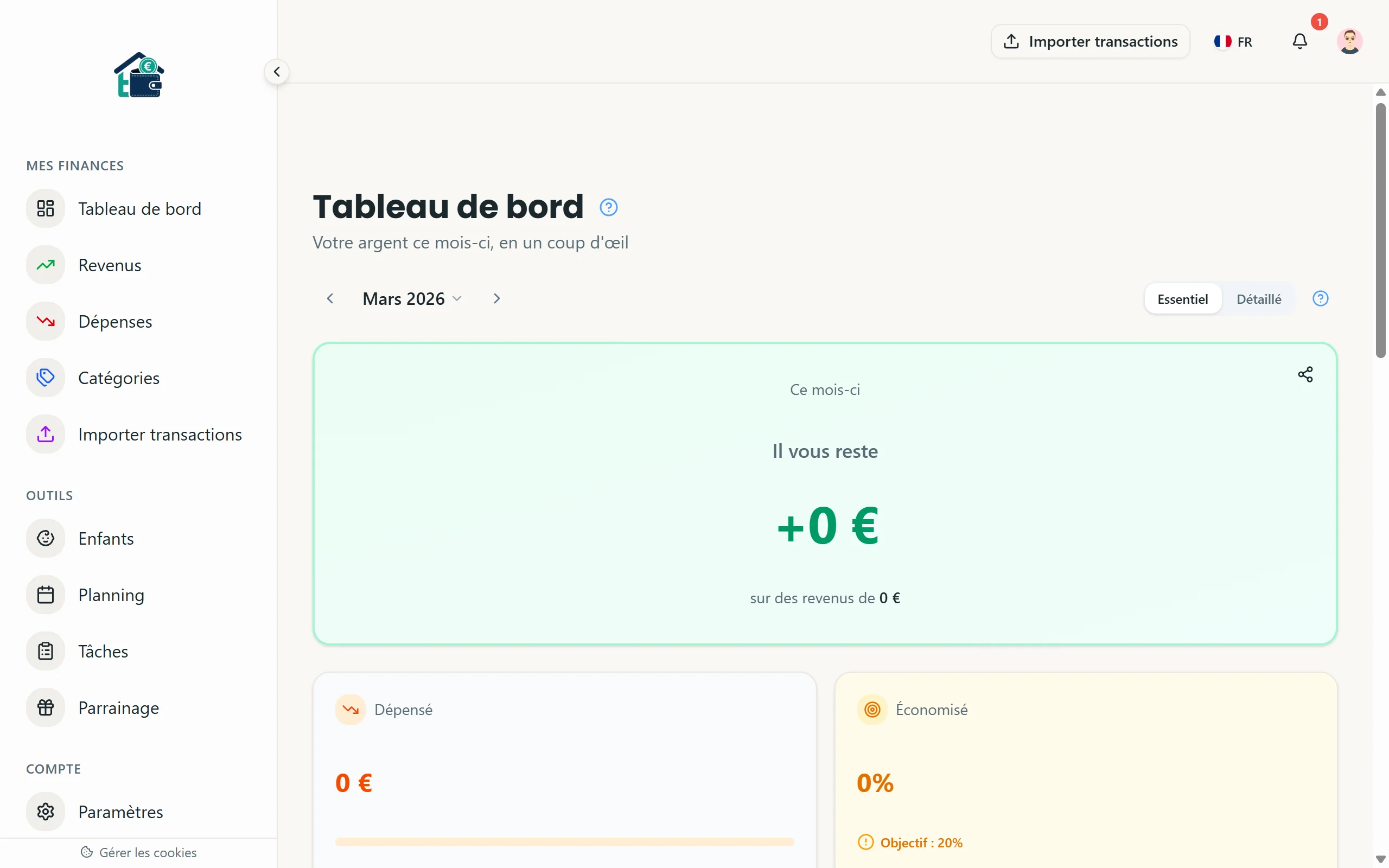 Monthly dashboard overview
Below the summary, you see your recent transactions listed chronologically. Each one shows the category, amount, and who added it.
Category breakdown
This is where the real insight lives. The category breakdown shows each expense category with its total for the month, displayed as a bar chart.
You can see at a glance:
- Which category takes the biggest share of your spending.
- Whether variable expenses are under control.
- How your spending distributes across needs vs. wants.
Click on any category to drill down and see the individual transactions that make up that total.
Fixed vs. variable view
Switch to the fixed/variable view to see the split. Fixed expenses are your baseline -- the amount you owe no matter what. Variable expenses are where you have room to adjust.
A healthy budget typically has fixed expenses under 50-60% of income, leaving enough room for variable spending and savings.
Comparing months
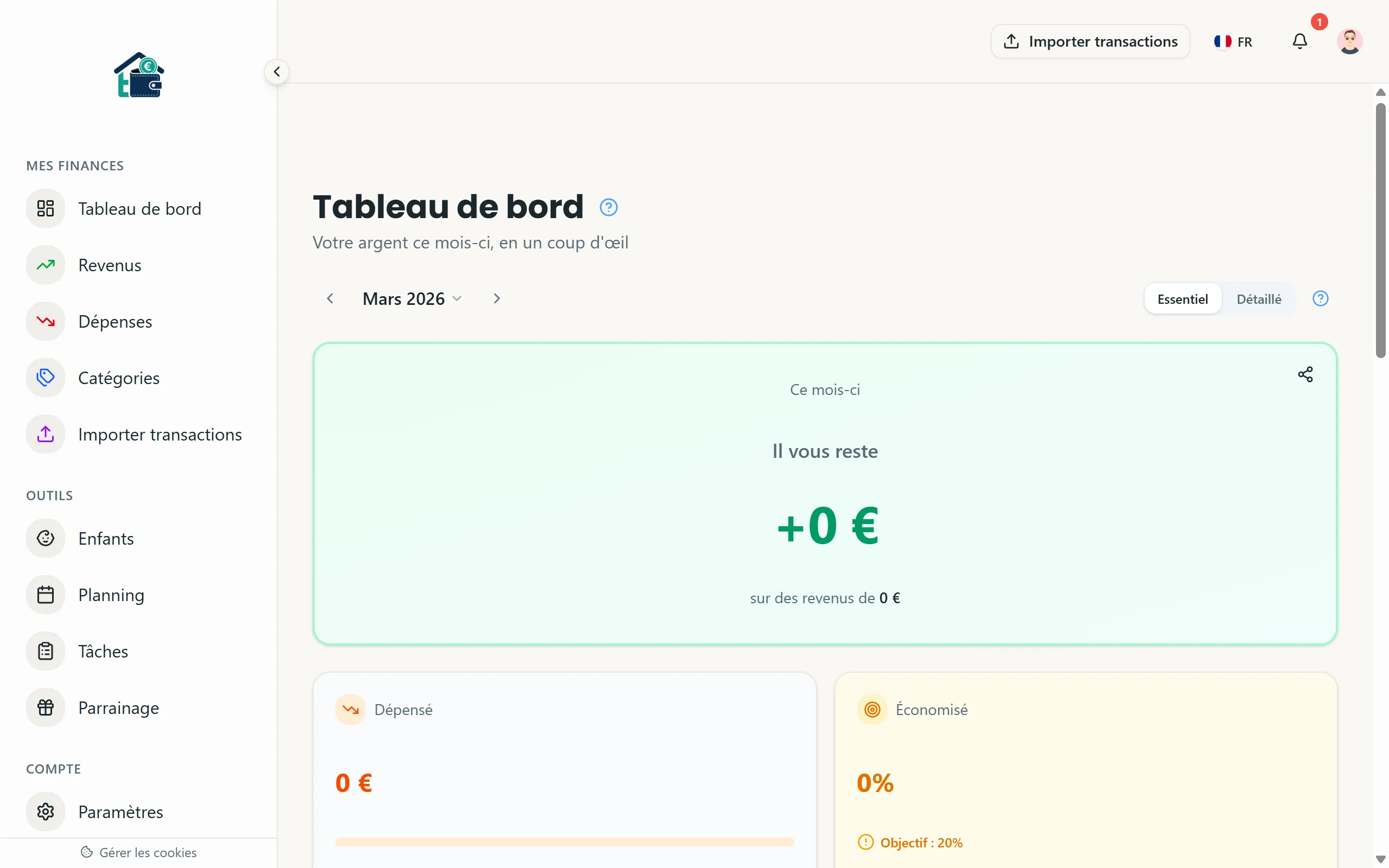 Month-over-month comparison
Use the month selector at the top of the dashboard to navigate between months. This lets you compare spending across time:
- Did groceries go up in December?
- Are subscription costs creeping up?
- Is the overall trend improving?
Consistent tracking over 3+ months reveals patterns that a single month never shows. You start seeing seasonal variations, spending habits, and the real impact of any changes you make.
Tips for accurate tracking
- Enter expenses the same day they happen. Waiting a week means you forget half of them.
- If you pay cash, log it immediately -- cash spending is the easiest to lose track of.
- Review uncategorized or miscategorized transactions weekly. Five minutes keeps your data clean.
- Use the bank import feature (Famille/Famille+ plans) to catch transactions you might have missed manually.
The dashboard is only as useful as the data behind it. Consistent input gives you a reliable picture. Sporadic input gives you noise.
